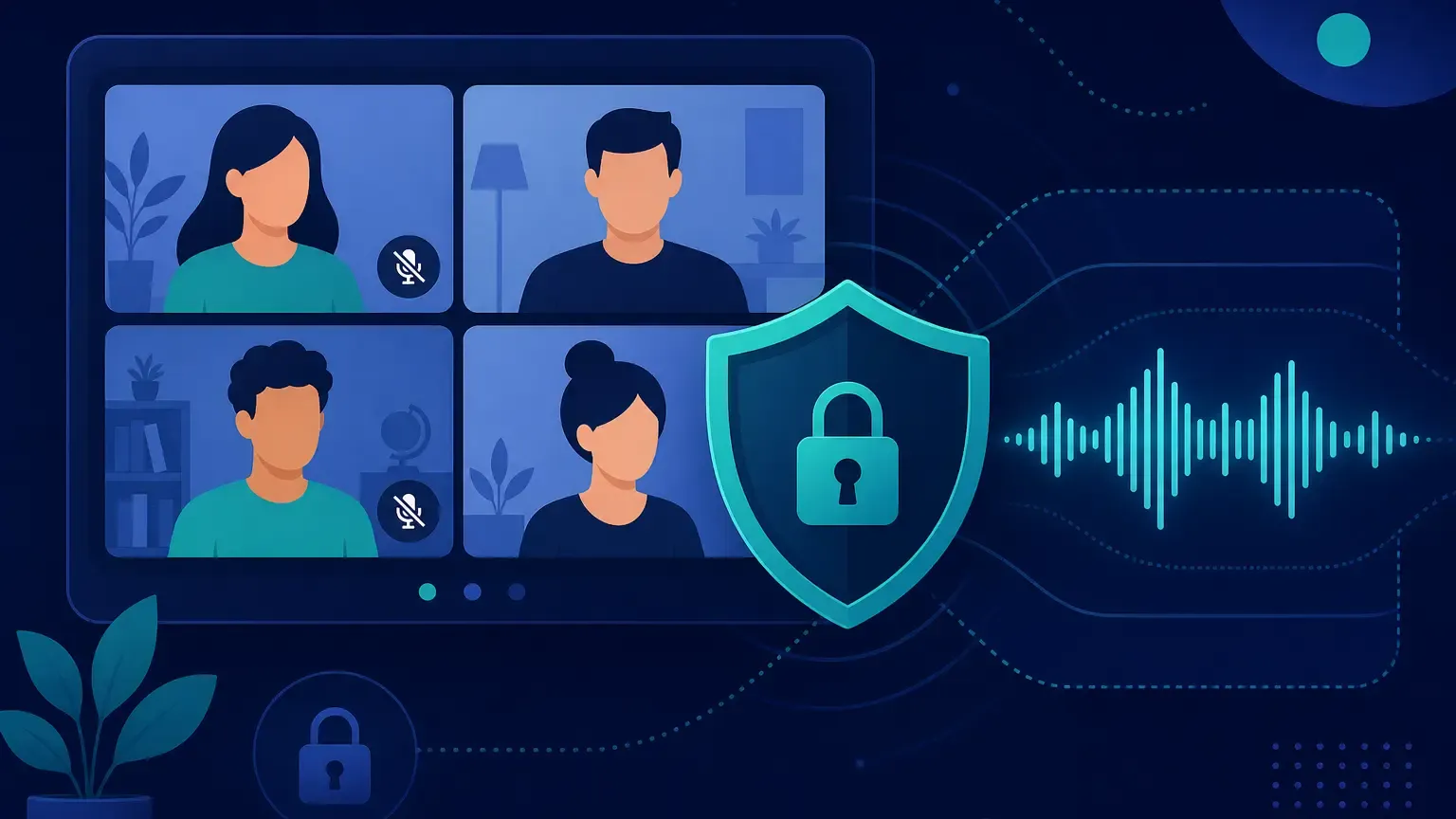
I've transcribed thousands of hours of internal meetings for teams that can't afford a privacy breach. Otter.ai and Fireflies.ai make meeting notes effortless, until legal asks where the audio goes. In our guide to comparing speech-to-text APIs for developers, we ranked privacy alongside accuracy and cost. This post narrows that lens to meeting transcription specifically.
Most meeting tools optimize for search and summaries. That's fine for a product demo. It's a problem when you're discussing unreleased roadmaps, patient cases, or M&A details.
Why Meeting Transcripts Need a Privacy Audit
Meeting transcription sits in a weird compliance gray zone. The recording often contains names, account numbers, and strategic decisions that would never go into a support ticket. Yet most teams add a bot to Zoom without reading the data processing agreement.
I've reviewed DPA language for three popular meeting assistants. The pattern repeats: your audio may be stored indefinitely, used to improve models, and processed in regions you didn't choose. Fireflies.ai and Otter.ai both market AI summaries, which means your conversations feed downstream NLP pipelines you don't control.
For regulated industries, that triggers real obligations. HIPAA requires BAAs and audit trails for PHI in clinical huddles. GDPR gives EU employees the right to deletion, which is hard to honor when a vendor won't confirm retention windows. Financial teams face SOX recordkeeping rules where transcript tampering creates audit risk.
The fix isn't "stop transcribing meetings." It's routing audio through infrastructure where you set the retention policy.
Meeting Transcription Tools Compared
| Tool | Privacy Model | Best For | Watch Out For |
|---|---|---|---|
| Otter.ai | Cloud SaaS, shared infrastructure | Fast notes for non-sensitive standups | Data used for product improvement; limited self-hosting |
| Fireflies.ai | Cloud SaaS with CRM integrations | Sales teams wanting auto-CRM logging | Third-party integrations multiply data exposure |
| OpenAI Whisper API | Cloud API, usage-based billing | Developers building custom meeting apps | Audio leaves your VPC; per-minute costs spike with long calls |
| Privocio | Cloud or self-hosted, fixed pricing | Teams needing predictable cost + data control | No native Zoom bot — you integrate via API |
| Self-hosted Whisper | Full on-premise control | Air-gapped environments | GPU ops burden falls on your team |
Otter and Fireflies win on convenience. You invite a bot, and transcripts appear in a shared workspace. I've used both for internal engineering syncs where nothing sensitive gets discussed.
The moment a customer shares unreleased specs on a call, I switch to a private API. Privocio's pricing at $19/4 weeks for 400 hours beats OpenAI Whisper API per-minute math once you're transcribing more than a few all-hands per week — and your audio never trains anyone else's model. Our privacy policy documents zero data retention for training.
How to Evaluate a Meeting STT Stack
When I audit a team's meeting transcription setup, I run through five checks:
- Data residency — confirm which region processes audio and whether failover crosses borders
- Retention defaults — ask for maximum storage duration in writing, not marketing copy
- Integration surface — every Slack, CRM, or analytics hook is another leak vector
- Access controls — role-based transcript access matters when one recording covers exec + IC levels
- Cost at volume — a 60-minute weekly leadership call is 52 hours/year; multiply by every recurring meeting
Batch transcription through webhooks often fits meeting workflows better than streaming. You upload the recording after the call ends, get a callback when processing finishes, and store the transcript in your own database. We wrote a full walkthrough in our async webhook transcription guide.
For teams already comparing providers, our Privocio vs Whisper API breakdown covers the cost and privacy tradeoffs in detail.
Building a Private Meeting Pipeline
Here's the architecture I've deployed for four privacy-sensitive clients:
Record locally or pull the meeting file from your video platform's export API. Upload to Privocio with Agent output mode enabled — it strips filler words and formats text for LLM summarization without the token bloat of raw transcripts. Store the result in your own Postgres or S3 bucket with lifecycle rules you define.
import requests

resp = requests.post(
    "https://api.privocio.com/v1/transcribe",
    headers={"Authorization": "Bearer YOUR_API_KEY"},
    files={"file": open("standup-recording.wav", "rb")},
    data={"output_mode": "agent", "language": "en"},
)
transcript = resp.json()["text"]
# Store in your DB — audio never touches a third-party notes app
You lose the slick shared workspace Otter provides. You gain control. Legal stops blocking the rollout. Engineering owns the retention policy.
If you want to validate accuracy before committing, start with the free transcribe tool — three hours every four weeks is enough to test on real meeting audio from your org. Full integration docs live in our API documentation.
Frequently Asked Questions
Is Otter.ai safe for confidential meetings?
For low-sensitivity internal syncs, probably. For anything touching customer data, legal strategy, or health information, I wouldn't use it without a signed BAA and confirmed retention limits. I've seen compliance teams block Otter entirely after reading the default DPA.
Can I use Fireflies.ai without sending data to third parties?
Fireflies stores recordings on its cloud and connects to CRMs, Slack, and analytics tools by default. Each integration adds exposure. If you need transcripts to stay inside your VPC, build a private pipeline with an API like Privocio instead.
How much does private meeting transcription cost at scale?
At 100 hours/month, OpenAI Whisper API runs roughly $360-$600 depending on model tier. Privocio's Go plan covers 400 hours for $19/4 weeks. I've moved three teams off usage billing once they passed 50 hours/month.
Do I need real-time transcription for meetings?
Usually no. Most meeting workflows work fine with batch processing after the call ends. Real-time only matters for live captioning or agent copilots that respond mid-conversation. Our real-time vs batch guide covers when each mode pays off.
What's the fastest way to test a private meeting STT setup?
Upload a real recording from a recent standup to Privocio's free tier. Compare Agent vs Raw output on token count if you're feeding summaries to an LLM. If accuracy holds, wire the API into your recording export flow.
Conclusion: Pick Privacy Before You Scale
Meeting transcription tools that optimize for convenience often treat your audio as training data. I've watched that become a blocker the moment a team scales beyond internal standups.
If your meetings stay low-stakes, Otter or Fireflies might be fine. If you're handling customer conversations, regulated data, or unreleased IP, route audio through a private API you control. Start with Privocio's free tier, then scale on fixed pricing as volume grows.
For the full provider comparison, read our speech-to-text API guide for developers.
Image Credits:
Cover image: AI-generated illustration — Created with Cursor image generation