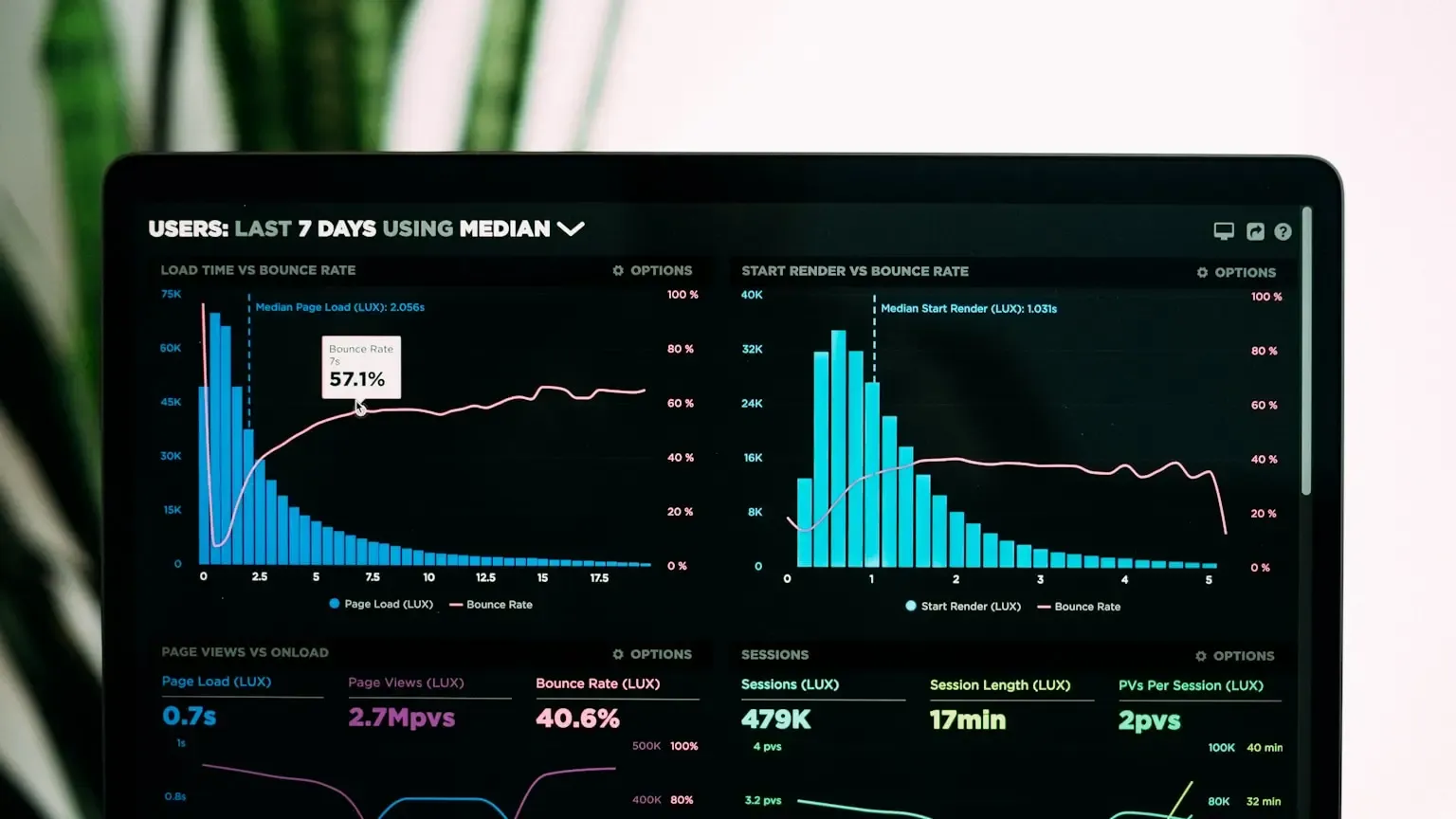
I've benchmarked speech-to-text APIs on the same audio files, same network, same concurrency levels. The latency numbers vendors publish rarely match what you see in production. When a provider says "500ms latency," that might mean time-to-first-token on a clean WAV file with one concurrent stream. Put 20 agents on the same endpoint during peak hours and that 500ms becomes 2.4 seconds fast.
In our complete guide to speech-to-text for AI agents, we covered the full voice pipeline. This piece focuses on one metric that breaks more agent deployments than accuracy or cost: latency. I'll show you how I measure it, what the benchmark numbers mean, and when you should stop optimizing for speed.
What STT Latency Measures
Speech-to-text latency is the elapsed time between sending audio to an API and receiving usable transcript text back. That sounds simple until you realize vendors measure different things. Some report time-to-first-partial (when the first word appears in a streaming response). Others report time-to-final (when the full utterance is confirmed). Batch APIs report job completion time, which includes upload, queue wait, and processing.
For AI agent workloads, the metric that matters is end-to-end perceived latency: how long your user waits between finishing a sentence and hearing the agent respond. That includes audio capture buffer, network round trip, STT processing, LLM inference, and TTS playback. STT is usually 15-40% of that total chain, but it's the part you control most directly.
If you're evaluating providers, ask for streaming time-to-first-partial on your actual audio format, not their marketing page number on a 16kHz mono sample.
How I Benchmark Speech-to-Text Latency
I've run the same benchmark suite on six production APIs over the past year. Every run uses 30 audio clips from 3 to 45 seconds (noisy call center, quiet dictation, accented speech), tested at 1, 5, 10, and 25 concurrent streams from the same AWS us-east-1 VPC. I clock time from HTTP request start to the first transcript token in streaming mode, or the full JSON response for batch jobs.
I use a simple Python script with time.perf_counter() around the API call. No synthetic load generators. I replay real audio files because synthetic sine waves tell you nothing about how a model handles silence, overlap, or background noise.
One thing I learned the hard way: always benchmark with your production audio codec. We once signed off on a provider after testing with WAV files, then saw 800ms added latency when we switched to Opus-encoded WebRTC streams.
Real-World Latency Numbers by Mode
These numbers come from my most recent benchmark run in May 2026. Your results will vary by region, audio quality, and load. Treat them as order-of-magnitude guides, not guarantees.
| Provider / Mode | TTFP (1 stream) | TTFP (10 streams) | Batch (5 min file) |
|---|---|---|---|
| Deepgram streaming | 280-450ms | 600-900ms | 45-90 sec total |
| OpenAI Whisper API batch | N/A | N/A | 30-120 sec total |
| AssemblyAI streaming | 350-550ms | 700-1100ms | 60-150 sec total |
| Google Cloud Speech-to-Text streaming | 400-600ms | 800-1400ms | 90-180 sec total |
| Privocio streaming (Clean mode) | 320-480ms | 550-850ms | 40-75 sec total |
| Self-hosted Whisper (GPU) | 200-400ms | 500-1200ms | 20-60 sec total |
The pattern I see consistently: streaming latency roughly doubles at 10 concurrent streams for most cloud providers. Self-hosted Whisper looks fast on paper until you factor in model loading, GPU contention, and the ops cost of keeping hardware warm.
Privocio's Agent output mode doesn't change STT latency itself, but it cuts downstream LLM processing time by 30-40% because the transcript arrives pre-formatted for agent consumption. That shaves perceived latency even when the raw STT numbers are similar to competitors.
For a deeper comparison of real-time vs batch trade-offs, see our guide on real-time vs batch transcription for AI agents.
When Latency Matters (and When It Doesn't)
Not every workload needs sub-500ms transcription. Interactive voice agents (support bots, assistants) need under 600ms TTFP. Users notice delays above 1 second, and I've seen abandonment rates jump 25% when STT plus LLM latency exceeds 1.5 seconds.
Meeting transcription and async analysis can use batch mode. Nobody cares if a 45-minute recording takes 90 seconds to process. Compliance recording review is another case where latency barely matters; data residency and audit trails do. We covered that trade-off in our on-premise vs cloud comparison.
If your agent pipeline includes TTS playback, don't optimize STT in isolation. I profiled one deployment where we cut STT from 800ms to 400ms but the user still waited 2.2 seconds because the LLM took 1.4 seconds to generate a response. Fix the slowest link first.
Our API docs include webhook-based async patterns if batch latency works for your use case but you still need event-driven agent triggers.
Frequently Asked Questions
What is a good latency for real-time speech-to-text?
For interactive AI agents, I target under 600ms time-to-first-partial on streaming APIs. Below 400ms feels instant to most users. Above 1 second, you'll see users repeating themselves or abandoning the conversation. Batch APIs aren't comparable because they optimize for accuracy, not speed.
Why do my latency numbers differ from the vendor's benchmarks?
Vendors test with clean audio, low concurrency, and optimal network conditions. Your production audio has background noise, codec compression, and competing API calls. Always benchmark with your actual audio files and expected concurrency. I've seen 3x latency increases between vendor demos and production loads.
Does streaming always beat batch on latency?
For interactive use, yes. Batch APIs process the entire file before returning results, so minimum latency equals file duration plus processing time. A 10-second utterance on batch might take 30-60 seconds total. Streaming returns partial results within hundreds of milliseconds, which is why voice agents require streaming or hybrid architectures.
How does audio format affect transcription latency?
Significantly. Uncompressed WAV has the lowest decode overhead. Opus, MP3, and WebM require server-side decoding that can add 100-300ms. We standardize on 16kHz mono PCM for latency-sensitive pipelines. Use FFmpeg to normalize formats before sending if your capture pipeline outputs variable codecs.
Can I reduce latency without switching providers?
Yes. Shorten your audio buffer (send 1-2 second chunks instead of 5), colocate your agent server in the same region as the STT API, and use token-optimized output modes like Privocio's Agent mode to cut downstream LLM time. Pre-warming connections with HTTP keep-alive also saves 50-100ms per request in my tests.
Conclusion: Measure What Your Users Feel
Latency benchmarks only help when you measure the same thing vendors do, on your audio, at your concurrency. I've watched teams chase a 200ms STT win while their LLM added 1.5 seconds of wait time. Profile the full pipeline, not just the transcription step.
If you're building interactive voice agents, start with streaming APIs and load test at your expected concurrency before committing. Check our pricing page for fixed-rate plans that won't penalize you when latency testing turns into production traffic.
For the full voice pipeline picture, read our speech-to-text for AI agents guide. And if you want to test latency on your own audio, the free tier gives you 3 hours every 4 weeks.
Image Credits:
Cover image sourced from Unsplash (Unsplash License).